How to set up Google Business Profile for a local service business
Claim, verify, and complete your Google Business Profile so you show up on Maps and local search — with the details that win calls and form enquiries.
- Google Business Profile
- local SEO
- Maps
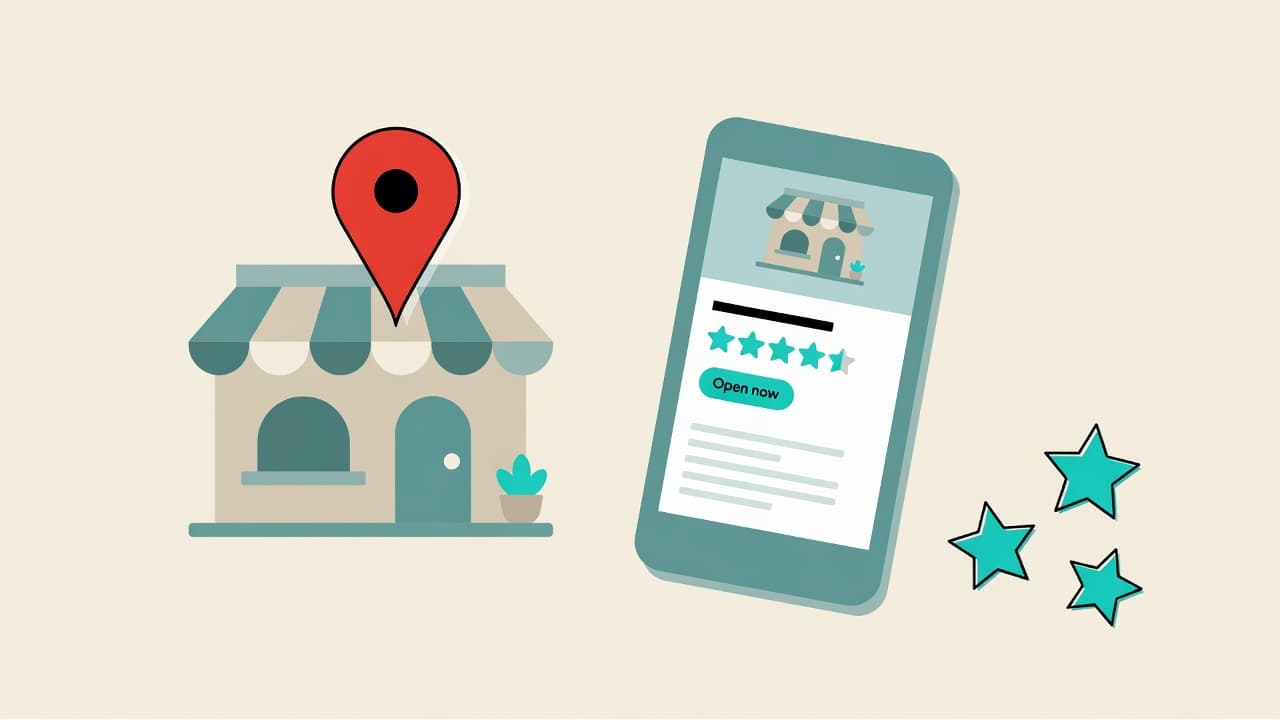
At a glance
Skim the essentials, then dig into the steps.
- Claim & verifyOwn your Maps listing so customers can find the real you.
- Complete the basicsNAP, hours, category, services, and website must match.
- Photos + reviewsReal photos and a simple review habit win more clicks.
- Answer fastMessaging and calls only help if you reply while they’re hot.
For trades, clinics, salons, and most local service firms, Google Business Profile (GBP) is often the highest-ROI free marketing channel you have. When someone searches “plumber near me” or “dentist open Saturday”, Google leans heavily on complete, trustworthy profiles.
Step 1
Claim or create your profile
Go to Google Business Profile (business.google.com) and search for your business. If a listing already exists, claim it. If not, create one. Use the legal trading name customers will recognise — not an internal brand code.
- Match the name to your website and invoices (no keyword stuffing in the title)
- Choose the most accurate primary category (e.g. Plumber, Dental clinic, Hair salon)
- Add secondary categories only when they are genuine services you offer
- Complete verification (postcard, phone, email, or video — follow Google’s prompt)
Step 2
Nail the basics Google ranks on
Incomplete profiles underperform. Fill every field that applies, and keep Name, Address, and Phone (NAP) identical to your website footer and directories.
- Accurate address or clear service-area settings if you do not have a storefront
- Primary phone that is answered (or routed to an AI / answering service you trust)
- Website URL and booking or contact link
- Opening hours including bank holidays and “special hours”
- Service list with plain-language descriptions and areas covered
Step 3
Photos and messaging that convert
Profiles with real photos earn more clicks. Upload a logo, cover image, team or van photos, before/after work (where appropriate), and your premises if customers visit you.
Turn on messaging only if you can reply fast. A slow “We’ll get back to you” on Google Chat loses the same leads a slow website form does. If you cannot staff messaging, use a system that answers instantly and captures the enquiry.
Step 4
Posts, products, and Q&A
- Publish short Google Posts for offers, seasonal services, or hiring — weekly is enough
- Add services or products with prices where transparent pricing helps you win trust
- Seed the Q&A section with real FAQs (hours, emergency cover, parking, deposit rules)
- Monitor Q&A so competitors or spam do not answer on your behalf
Step 5
Reviews and ongoing hygiene
Ask happy customers for reviews with a short direct link. Reply to every review — positive and negative — professionally. Update hours when seasons change. Remove outdated offers. A neglected profile signals a neglected business.
Section 6
What “good” looks like in 30 days
- Verified profile with complete NAP, hours, categories, and website
- 10+ genuine photos and a filled service list
- A simple process to request reviews after completed jobs
- Messaging or phone answered quickly during and after hours
Once discovery works, the next bottleneck is response speed. Many local businesses lose Map leads because the call goes to voicemail or the chat sits unread. Pair a strong GBP with a front door that answers every enquiry — human or AI — while the customer is still deciding.

Turn more enquiries into booked work
Build agents that answer from your knowledge, qualify leads, and book meetings — on live voice.
Join early access